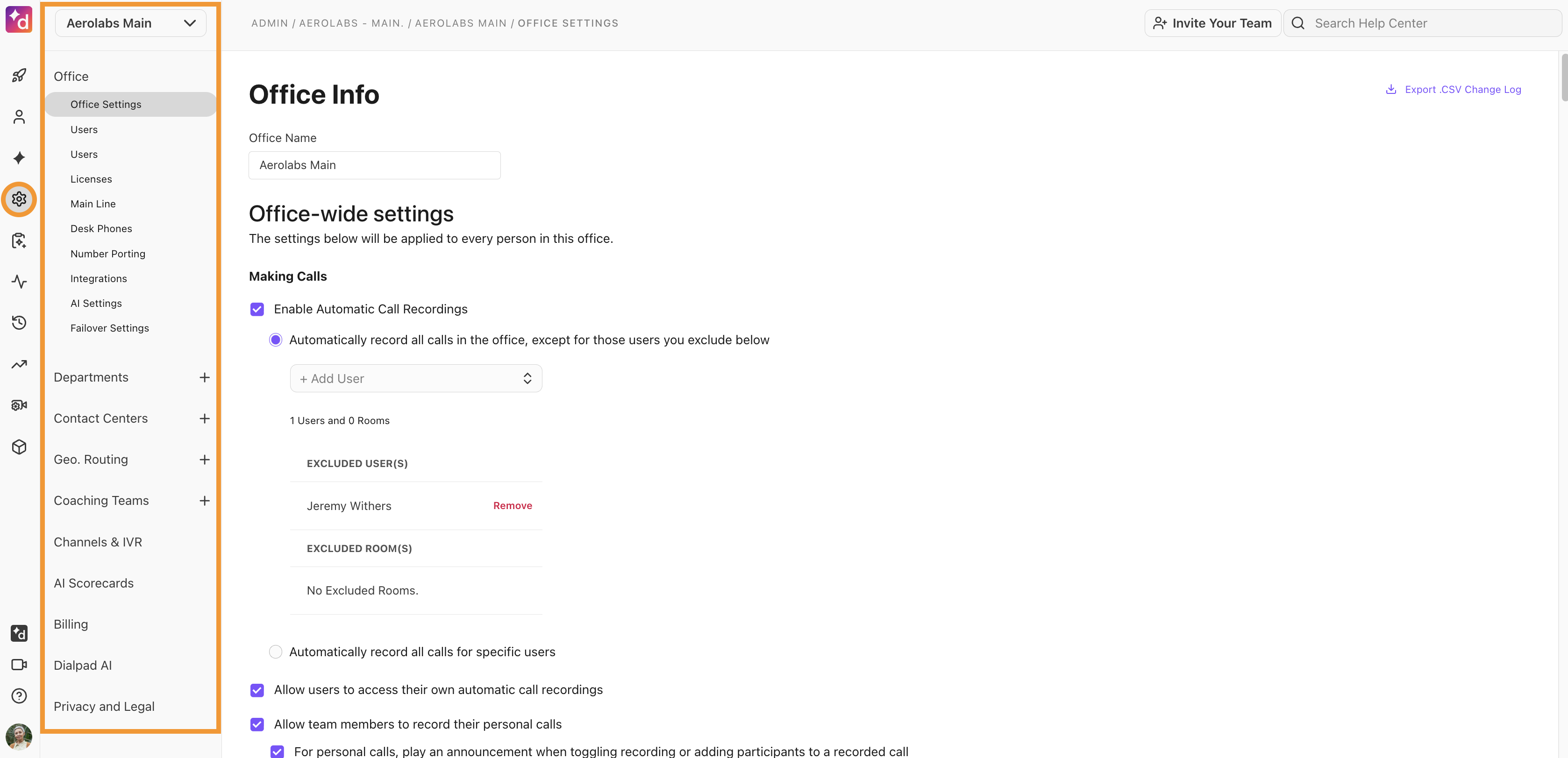
As your Company's Admin, you have the power. Manage your team, create Departments, and set up multiple offices - you can do it all.
Dialpad offers the following Admin types:
Company Admin
Office/Regional Admin
Department/Contact Center Admin
Company Admin
If you're the person who signed up your company with Dialpad, you're automatically the Company Admin.
Office/Regional Admin
A Company Admin can assign any individual user to become an Office Admin.
In cases where multiple offices are managed across Dialpad, a Company Admin can assign a user as a specific Regional Admin (i.e., the manager of more than one Office).
Note
Contact our Customer Care Team to allow regional admins to search users across all Offices they manage.
Department/Contact Center Admin
A Company or Office Admin can assign any individual user to become a Department/Contact Center Admin.
Tip
Admins can add Admin Privileges to as many individual users as they like.
Accessing your Admin Settings
You can access your Dialpad Admin Settings from within the Dialpad web app and desktop app.
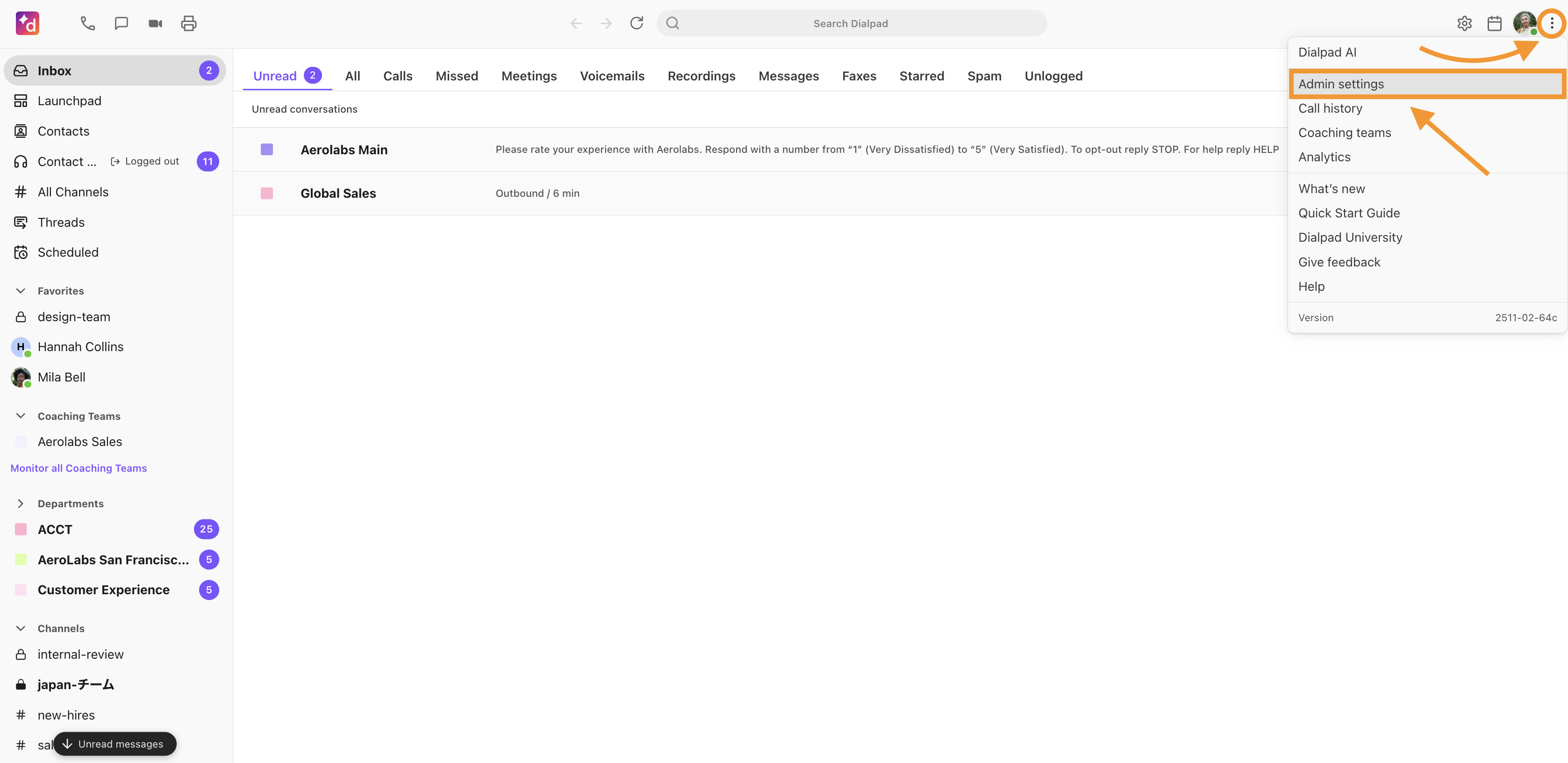
To access your Dialpad Admin Settings, go to your Dialpad app (web or desktop).
Select the Options icon (the 3 dots next to your profile avatar)
Select Admin settings
From here, you can set up your desired company, office, and user settings or make the necessary changes that are best suited for your users, offices, and company.