Set your office timezone in Your Settings under Timezone. Set timezones for shared lines; otherwise, PST is displayed by default.
Set your office timezone so that your personal working hours are accurate.
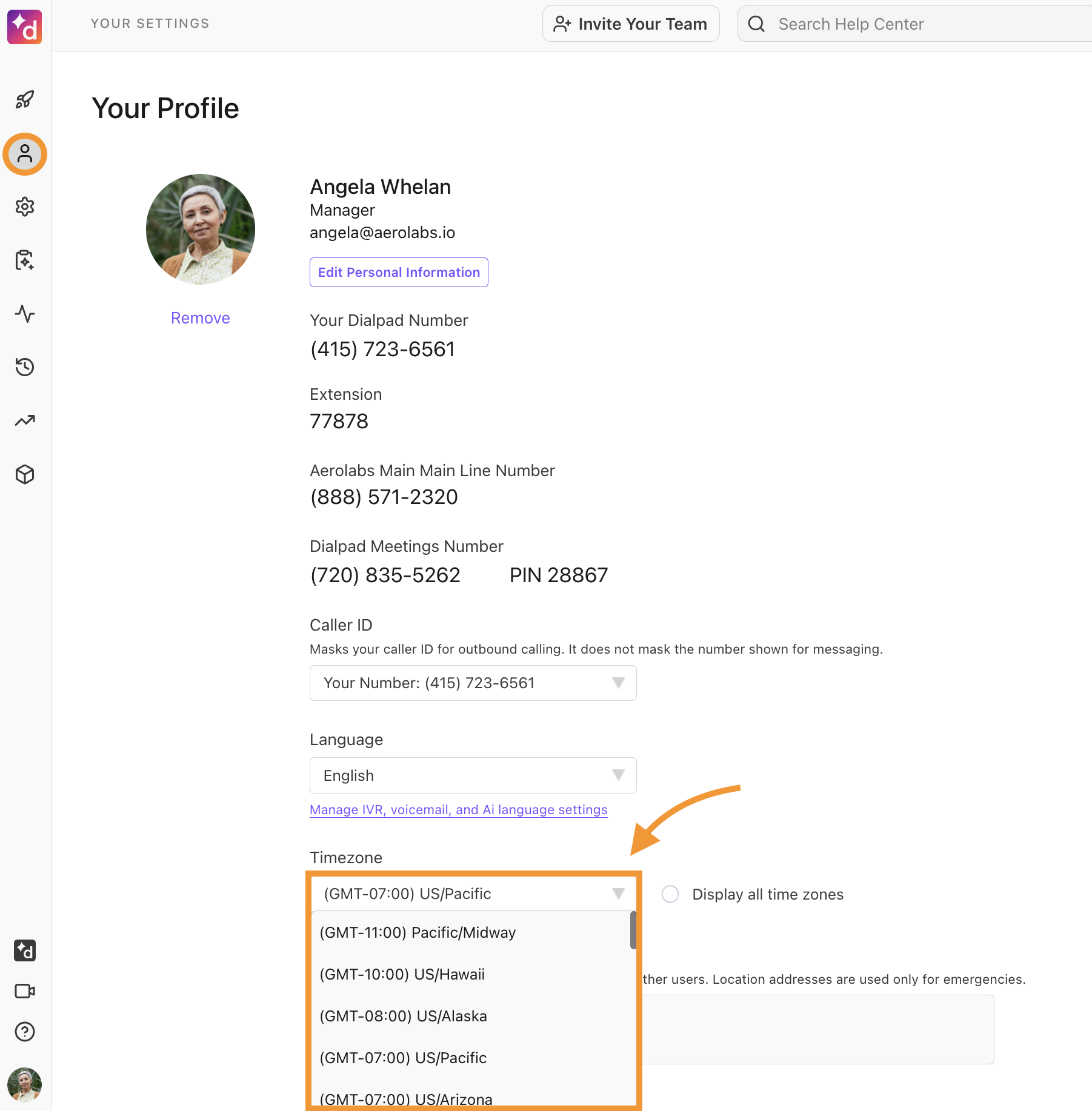
To set your office timezone, head to Your Settings.
Navigate to Timezone
-
Select the desired timezone
If you don't see your timezone listed, select Display all timezones
You'll also need to set your timezone for any shared lines you've created (Main Line, Departments, Contact Centers). In either case, your timezone settings are displayed under Business Hours & Call Handling.
If you don't specifically set up a timezone, the default option will display PST.