The Agent Accelerator for the KeyStone Corelation Chrome Extension is a powerful tool that streamlines credit union agent workflows in the Dialpad environment. By seamlessly integrating member information, account details, and communication tools into a single, intuitive interface, the extension enables agents to manage calls and core banking data efficiently.
Who can use this
You must have a Dialpad Support license and a KeyStone Corelation license.
Using Dialpad & Agent Accelerator for KeyStone Corelation Chrome Extension
Here are some basic functions to use the NovelVox Agent Accelerator with Dialpad.
Logging in
To log in:
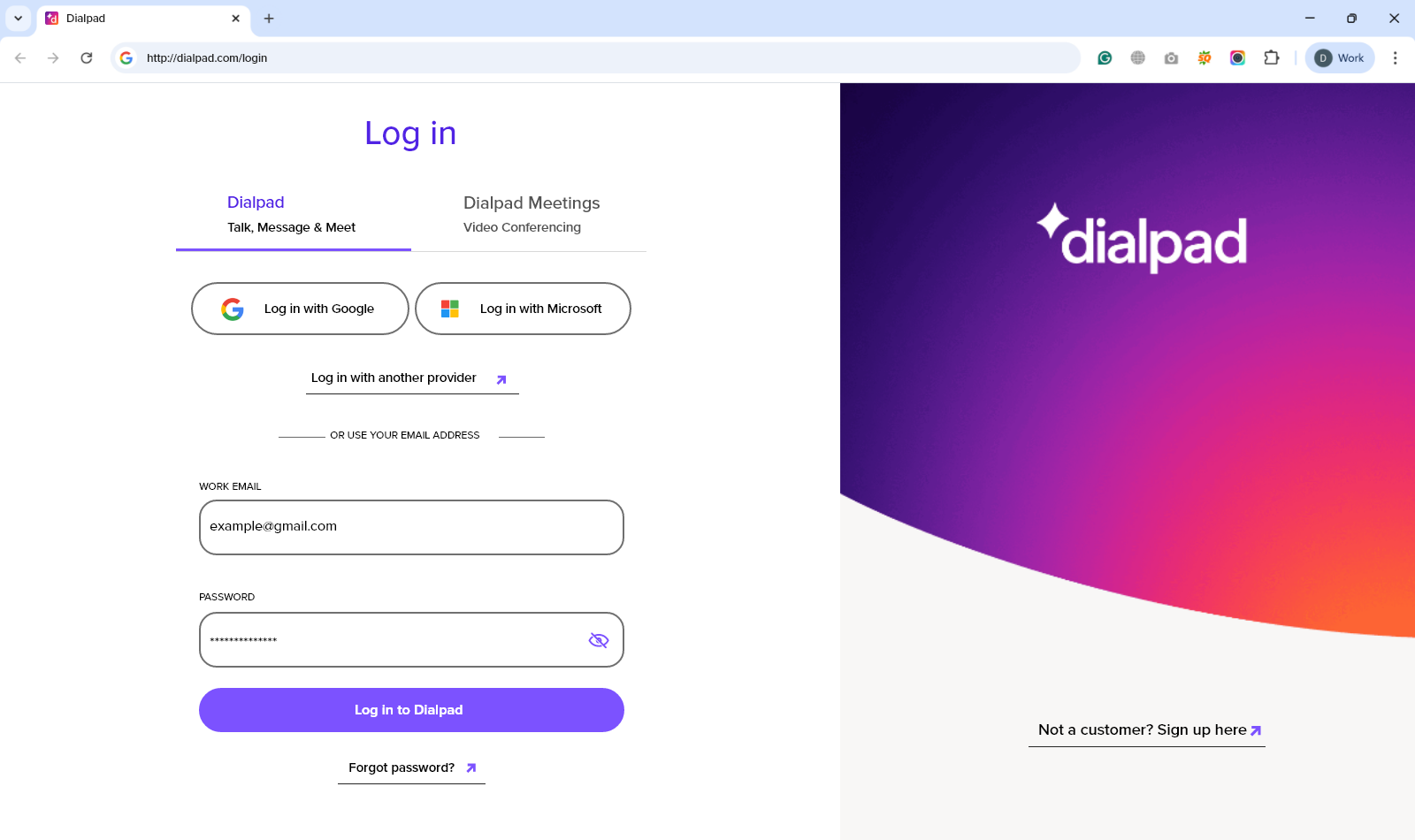
Go to the Dialpad application and enter your login credentials
Select Log in to Dialpad
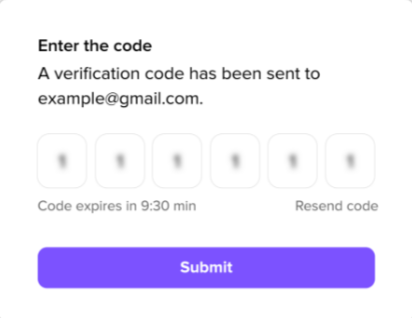
If the Multi-Factor Authentication is enabled, enter the code and select Submit
Go to the Chrome Extensions tab and open NovelVox Agent Accelerator for KeyStone Corelation. Below shows the Agent Accelerator:
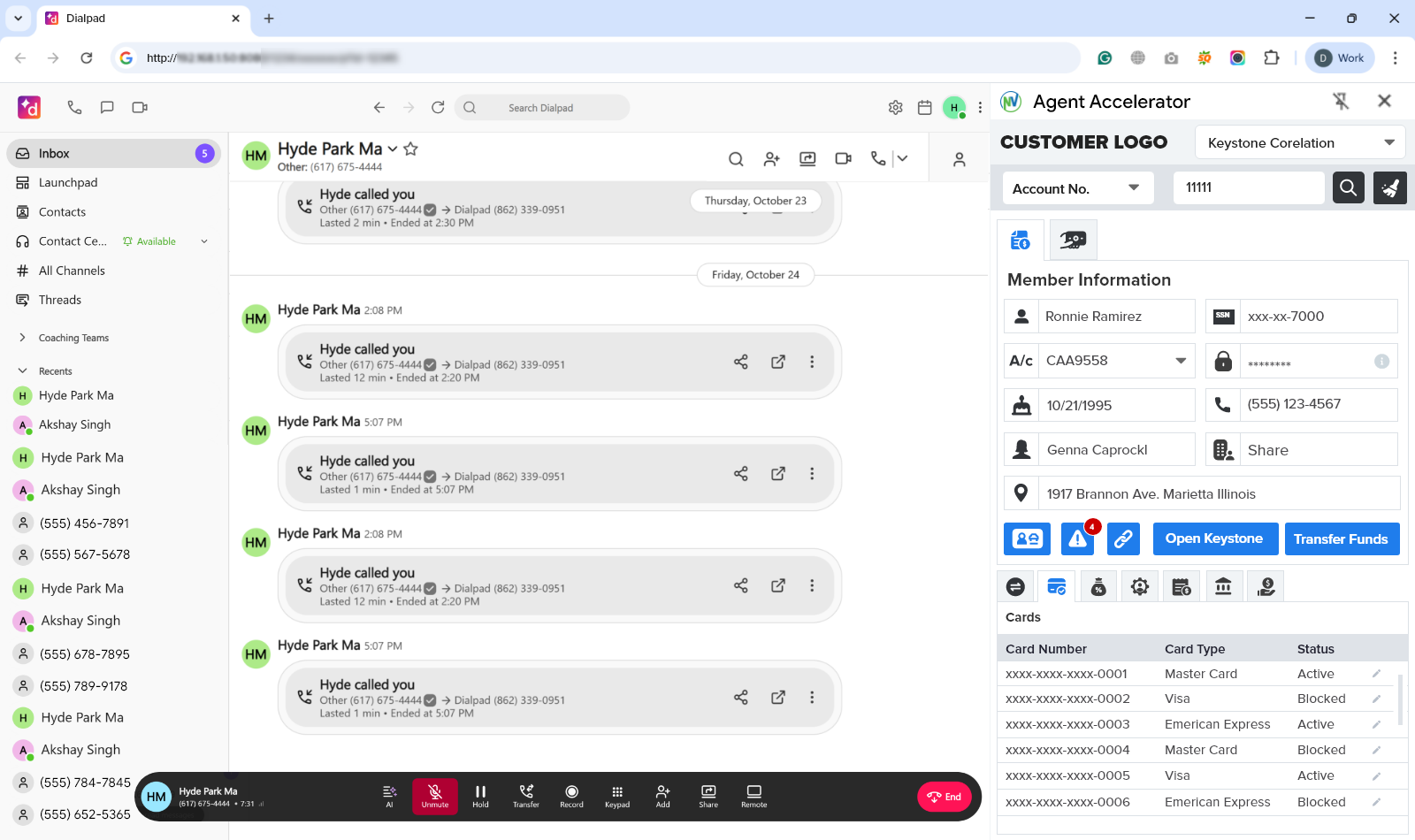
Agent Dashboard
The Agent Dashboard offers a unified view of complete member information, enabling agents to handle queries efficiently. The available features are:
Member Information – incorporates the primary details of the member, like name, SSN, account number, passkey, date of birth, contact number, joint member account holder, home branch, and address.
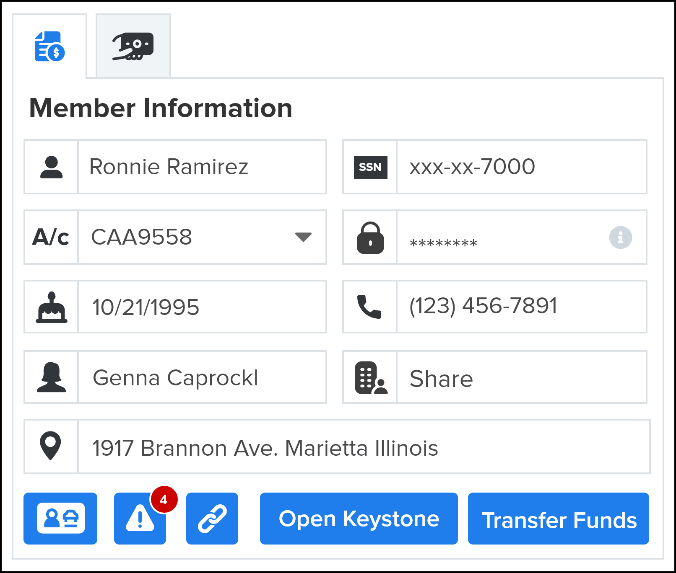
The additional features in the Member Information section are:
Verification – contains a photo ID of the member to verify the identity.
Alerts - alert the agent with restrictions or actions related to the member’s account.
Quick Links - the quick links to external applications or accounts.
Open KeyStone - opens the member’s page directly in the KeyStone platform.
Transfer Funds – initiate the transfer of funds to other accounts.
KeyInsight – the KeyInsight tab includes the Interactions and Opportunities sections that provide a detailed history of members’ past engagements and show potential support, sell, or engagement options, respectively:
Interactions – shows the historical member interactions and includes various details like type of interaction, a short description of the issue or request, the timestamp of the last interaction, resolution type, and the final resolution of the interaction.
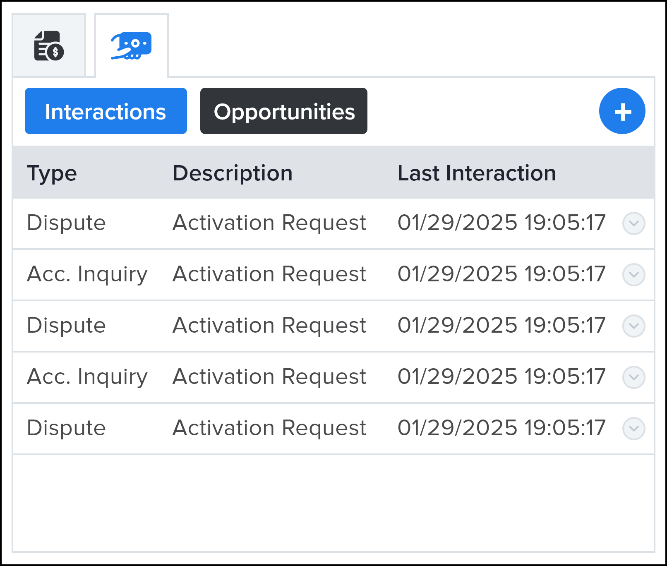
Opportunities – helps the agents to identify and track potential areas where additional support, follow-up, or engagement may be required. Its columns display details such as the type of opportunity, a brief description of the need, the timestamp of the last interaction, the resolution type, and the specific action taken to resolve it.
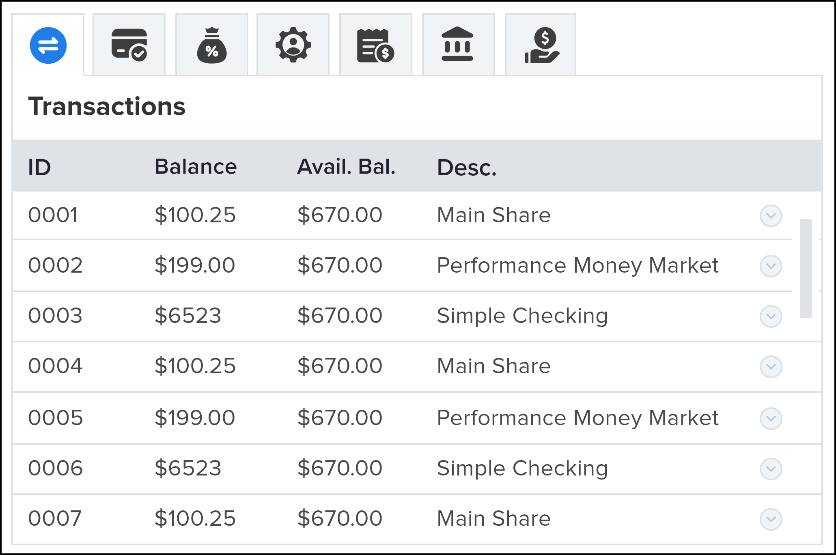
Transactions – displays the detailed snapshot of the member’s recent financial activity. The interface provides essential transaction details, including the transaction date, description, transaction category, amount, updated balance, and source of the transaction.
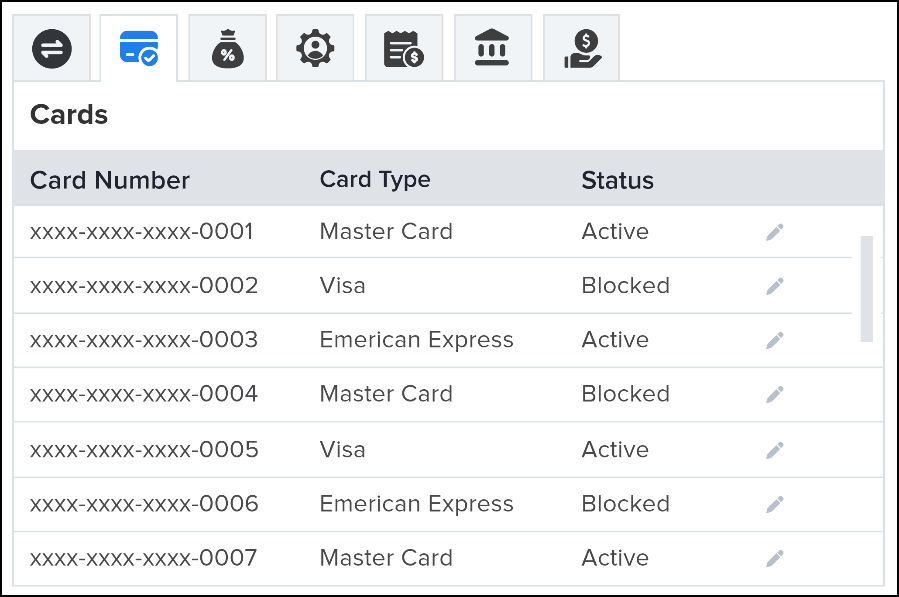
Cards – provides the summary of various cards associated with the member account. It shows the card number, type, and status (active/blocked/inactive/reissued).
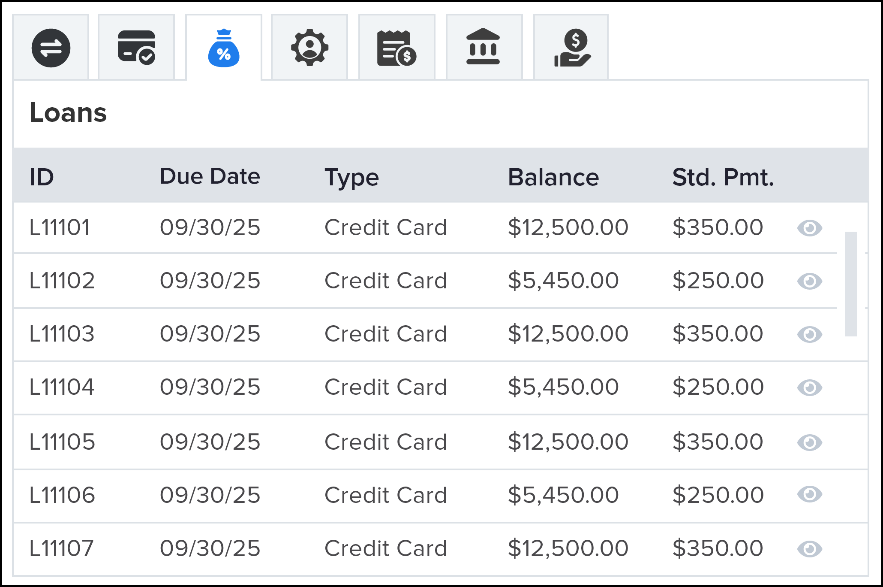
Loans – enlists the upcoming loan-related payments, including due date, loan type, payment date, and the standard payment.
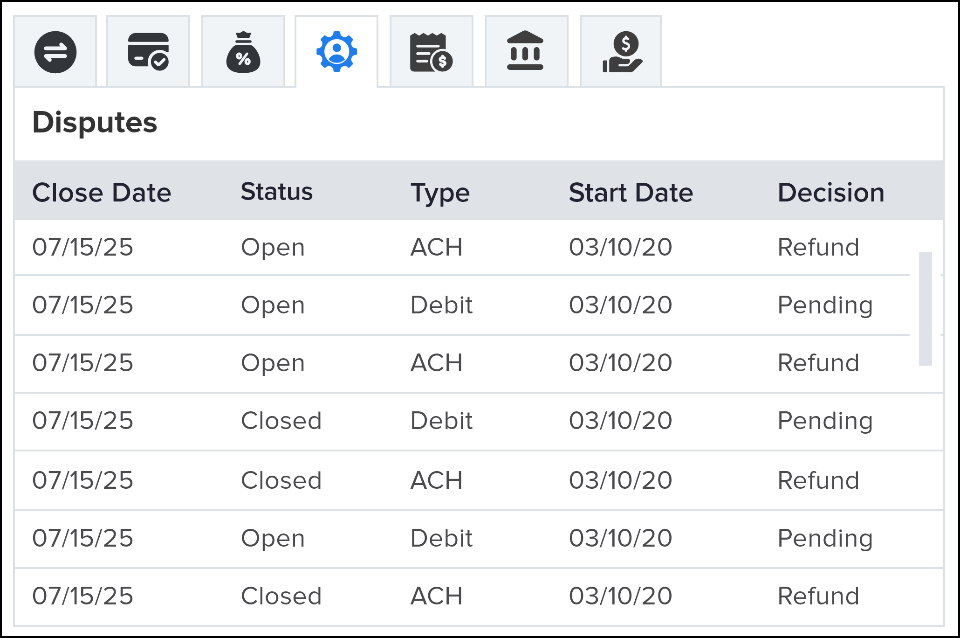
Disputes – the dispute table shows all current and past dispute cases, including close date, their status, transaction type, start dates, and the final decisions.
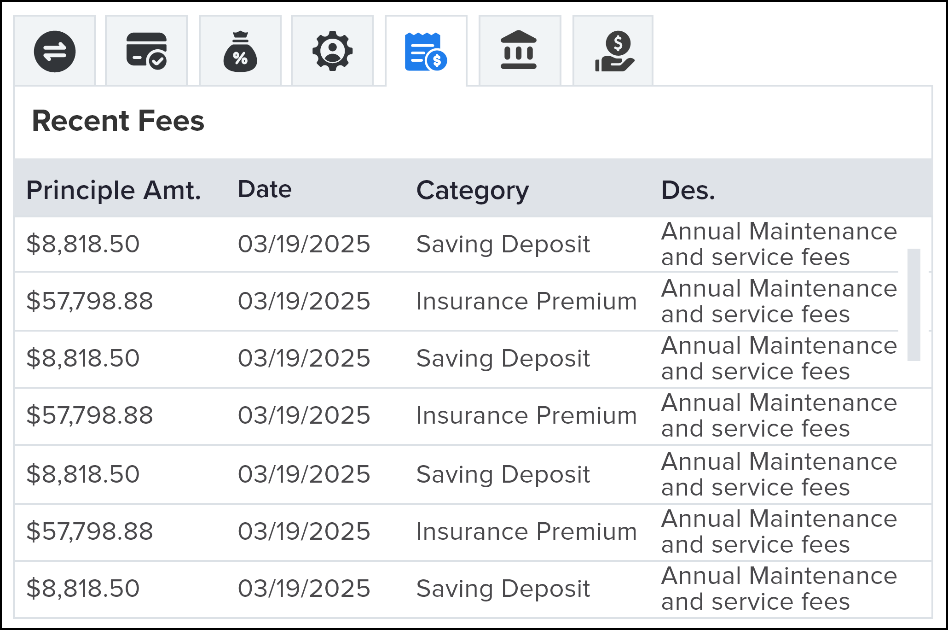
Recent Fees – summarizes the recent financial transactions, including deposits, payments, charges, and investments.
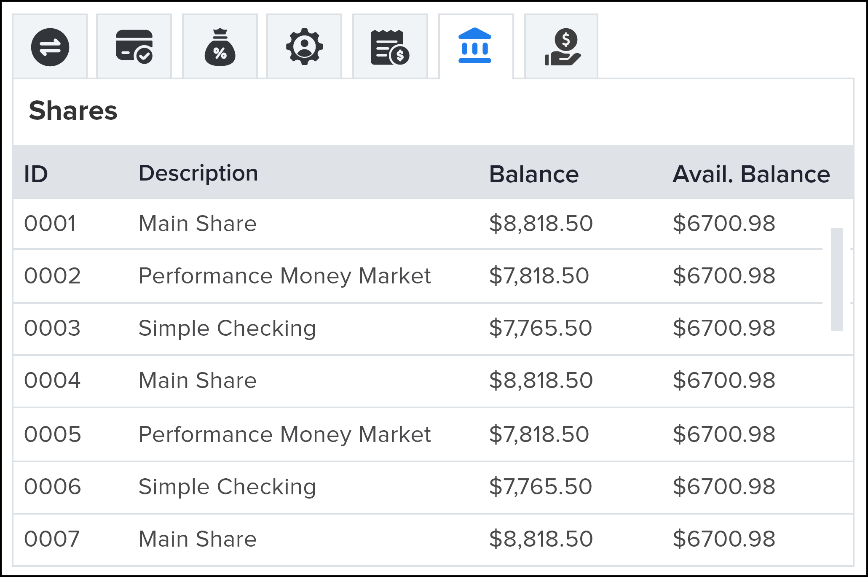
Shares – the share tables show the details of the investment accounts, including the account IDs, description, balance, and the available balance.
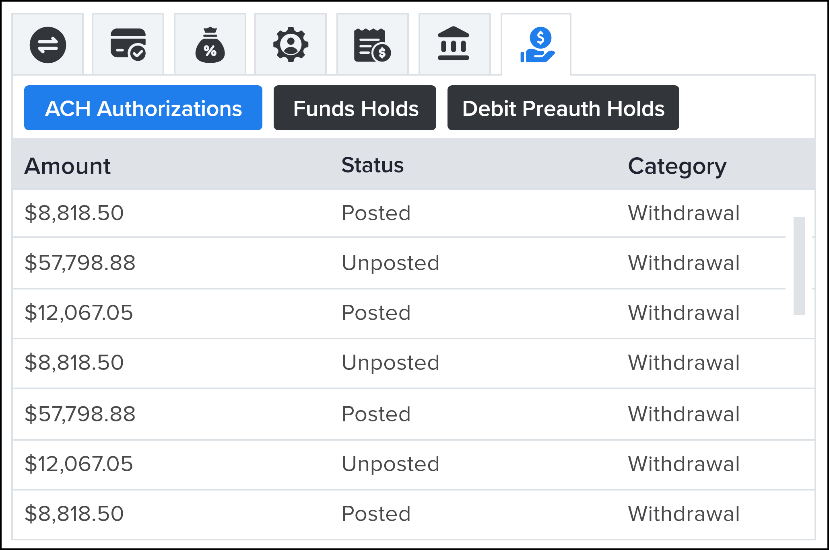
Fund Holds – the fund hold section enlists certain transactions that are put on temporary holds. The following are the assisting features for Fund Holds:
ACH Authentication – verifies that the member truly owns the external account before granting full availability on ACH transfers. The available details are the authorization amount, category, and status.
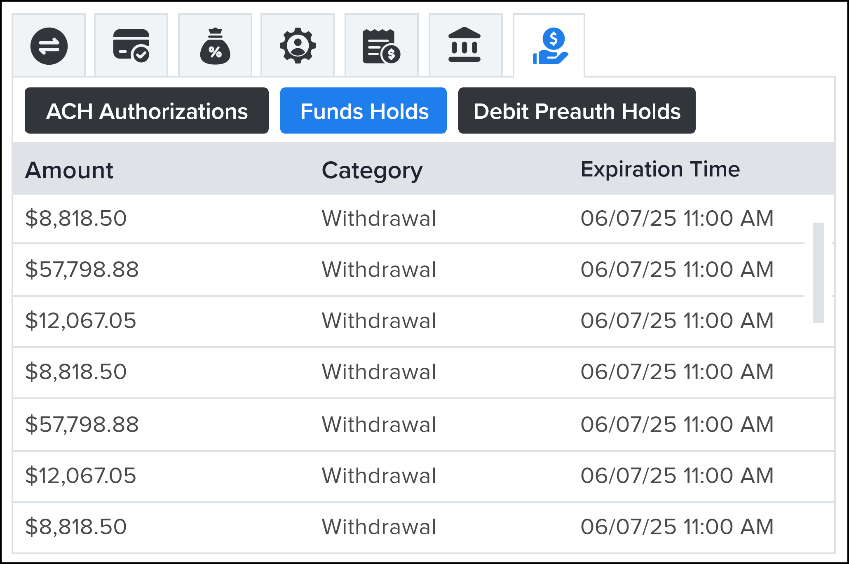
Funds Holds – shows the hold funds amount, category, and the expiration time.
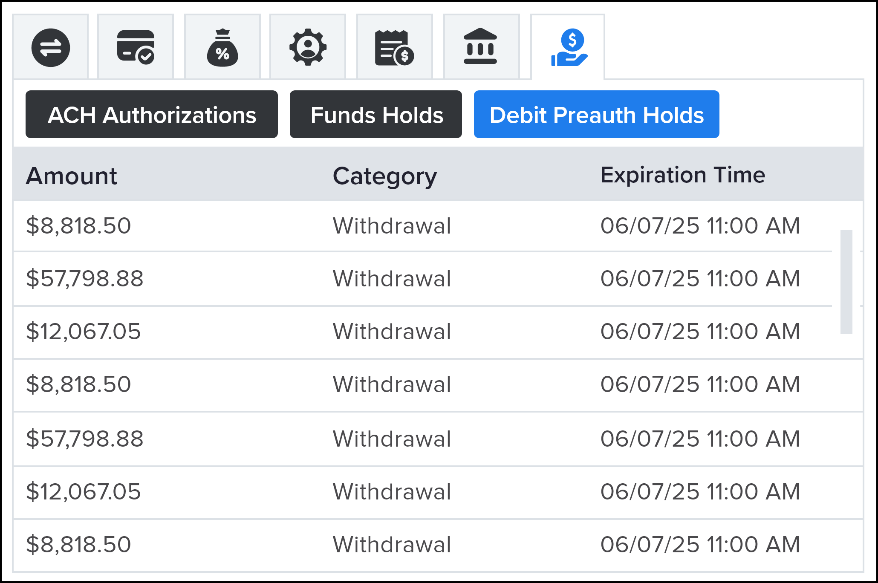
Debit Preauth Holds – shows the details of the temporary freeze of funds requested by a merchant to ensure the account is valid and has enough money to cover the expense. It shows the amount, category, and expiration time.
Frequently asked questions
Is there a cost associated with the NovelVox Agent Accelerator and KeyStone Corelation integration?
Yes, contact your account manager for pricing details.
Does this integration work with all Dialpad Contact Centers?
Yes, it supports Dialpad Connect, Dialpad Support, and Digital Configuration.
Do I need a KeyStone account to use this integration?
Yes, an active KeyStone instance is required to use this integration.
How can I share my feedback?
Gathering valuable feedback is an essential part of our continuous improvement process. It helps us understand what is working well and identify areas for enhancement.
For any insights, suggestions, or feedback, please contact the NovelVox Support Team at dialpad@novelvox.com.